The monthly product update, without the pain
Sales shouldn't learn about a feature release the day it ships. Give every GTM team a clear, beautiful product update — generated from your release notes in seconds.
The problem
Sales found out about the feature from a customer. Again.
When product teams only communicate via Jira descriptions, the rest of the business operates in a silo.
GTM teams are always surprised
If Sales and CS don't know what's shipping until release day, launches fail. Product needs a reliable way to broadcast what's coming before it hits production.
Endless update requests
PMs waste hours answering 'when is this feature coming?' in Slack and meetings. A proactive, centralized newsletter dramatically cuts down on ad-hoc status checks.
Jira and Linear don't tell the story
Sending a Jira board link to Sales is like sending someone a database instead of a report. They need the 'why' — not just the tickets.
Writing takes too long
Pulling together release notes, metrics, and roadmap changes into a coherent update takes a PM away from actually talking to customers and building product.
The solution
Bring clarity to the product development lifecycle
Align Sales, Success, and Marketing with beautiful roadmap updates that take minutes to build.
AI turns notes into narratives
Feed the AI your raw release notes, metrics, and roadmap changes. It instantly drafts a clear, professional update tailored to a business audience.
Know what Sales actually reads
See which GTM teams are opening the roadmap updates with recipient-level analytics. Never wonder if your enablement materials are landing.
Embed rich media
A picture is worth a thousand tickets. Easily embed Loom videos, Figma mockups, and UI screenshots directly into the newsletter body.
Templates that work
Use built-in formats for 'What Shipped', 'What's Next', 'Customer Voice', and 'Metrics'. Keep updates structurally consistent month-over-month.
Collaborative drafting
Have PMM, Design, and Engineering drop their respective sections and links into the newsletter draft asynchronously before you hit send.
Targeted distribution
Manage internal audience segments easily. Send highly tactical updates to Support, and strategic, high-level updates to the Exec team.
Common use cases
Product communication use cases
Broadcast what shipped, what's next, and what you're hearing from the market.
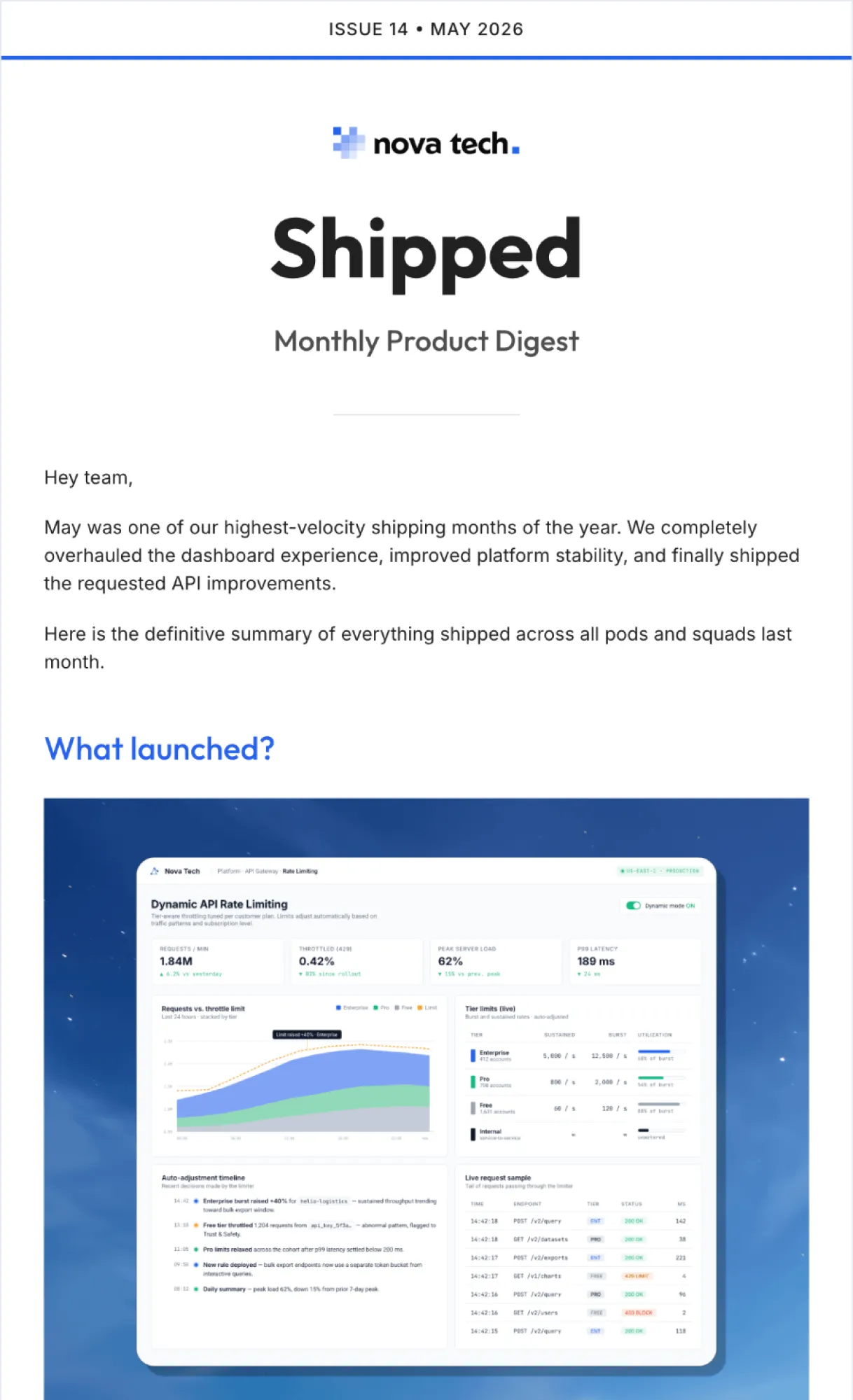
Monthly product digest
The definitive summary of everything shipped across all pods and squads.
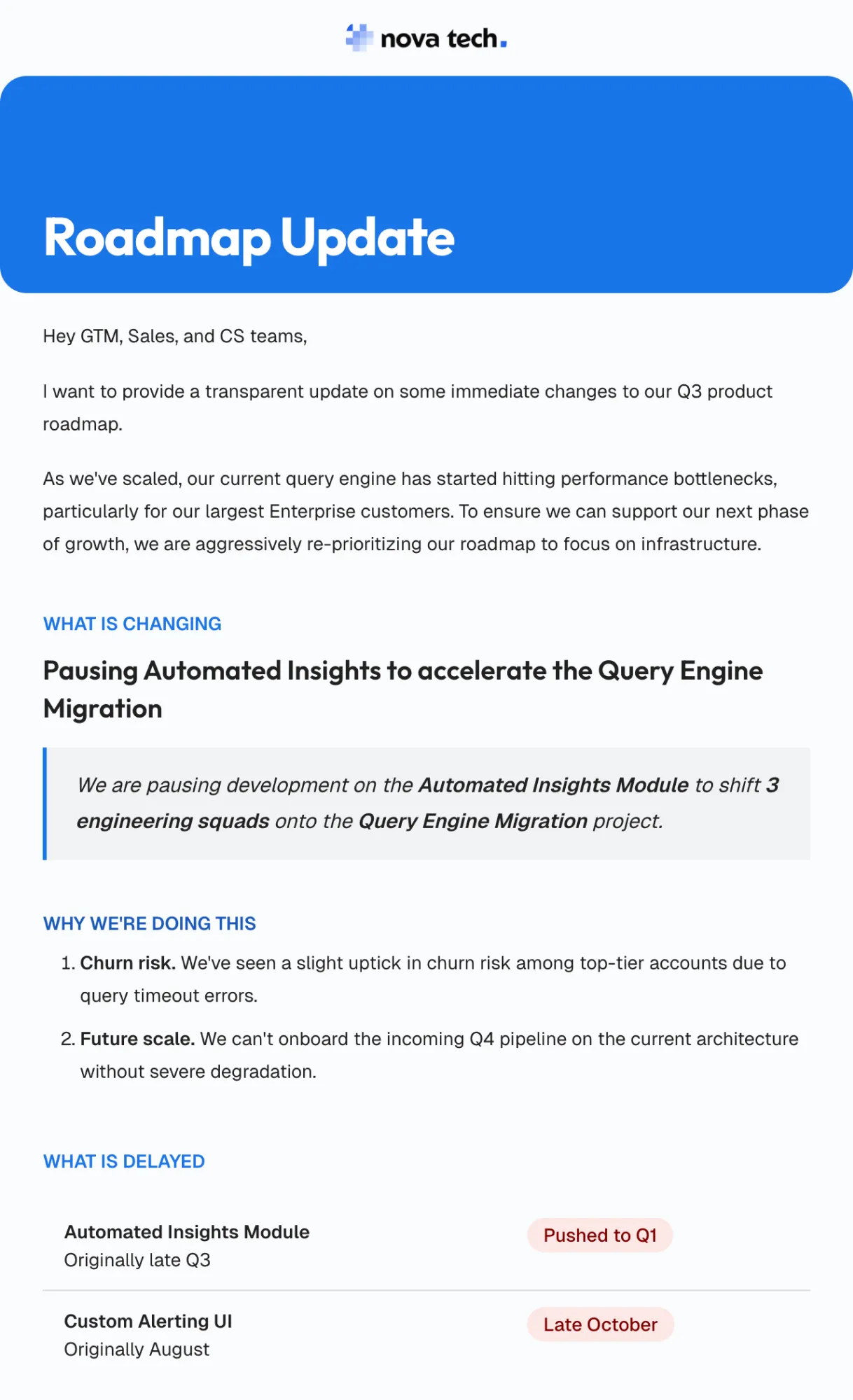
Roadmap changes
Explain re-prioritizations, delayed features, and new strategic bets to Sales and CS.
Beta & early access updates
Keep GTM teams informed on beta test progress, learnings, and GA readiness.
Voice of the customer
Roll up key themes from user interviews, churn feedback, and win/loss analysis.
Metric & KPI reviews
Share progress on activation, retention, or core product metrics after a major launch.
Product org updates
Internal newsletter strictly for the Product/Design team covering craft, ops, and hires.
FAQ
Common questions.
Explore more
More use cases
Get started
Make the whole company as excited about the roadmap as you are.
Stop hoping stakeholders read your release notes. Start sending product updates they love. Setup in 2 minutes.